🚚 Free Worldwide Shipping on All Orders!Shop Now
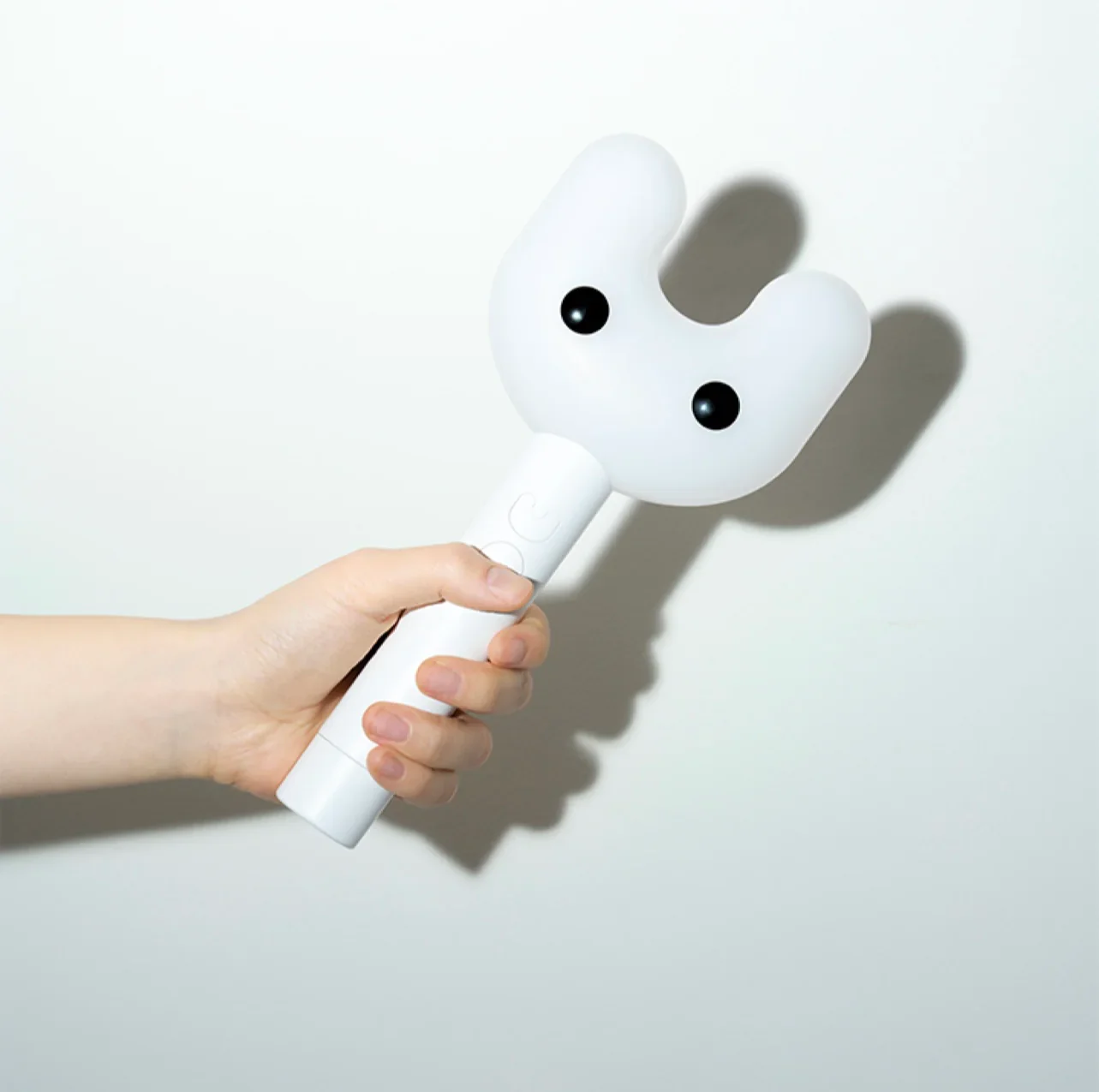
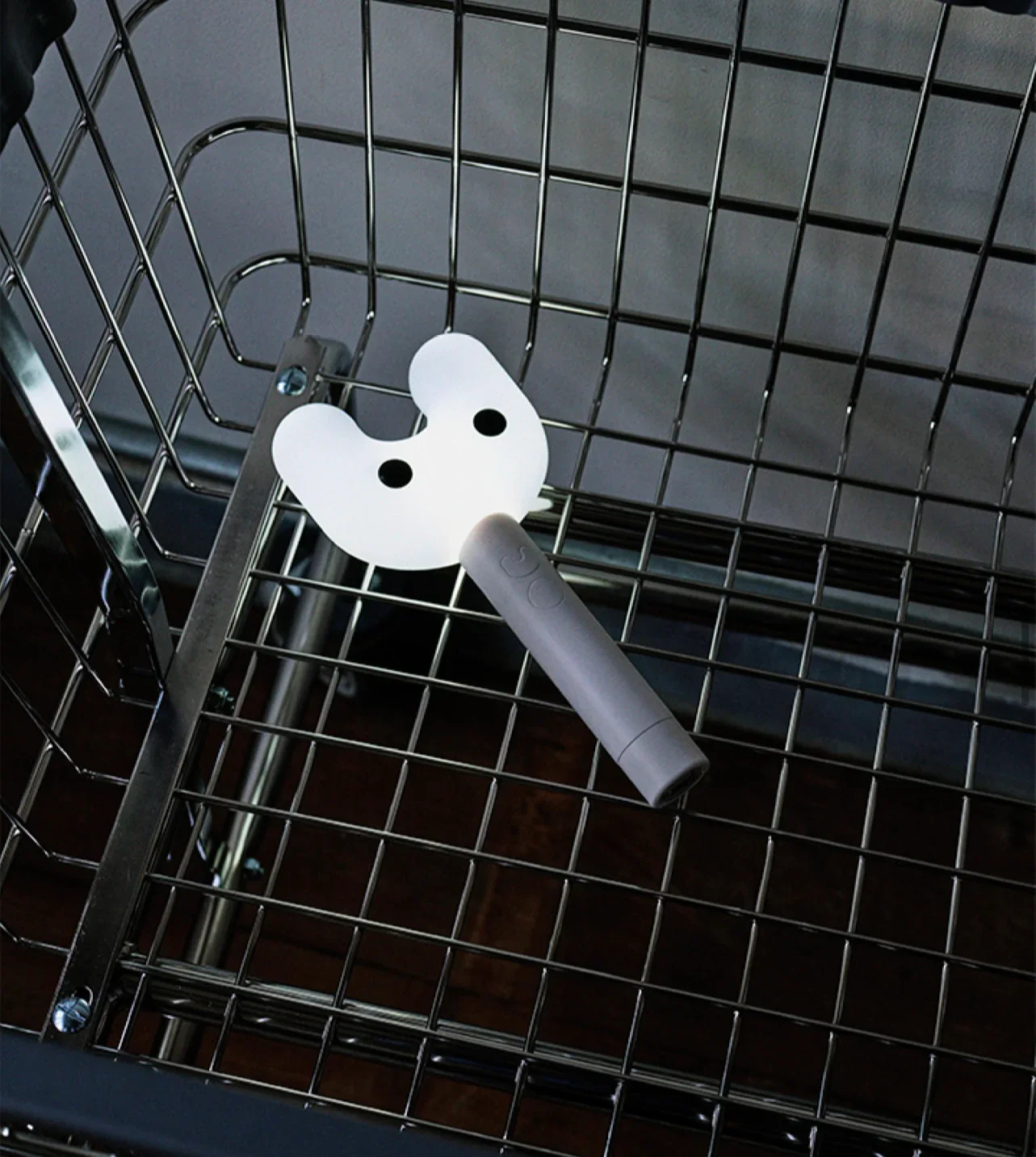
NewJeans Official Light Stick
NewJeans Official Light Stick
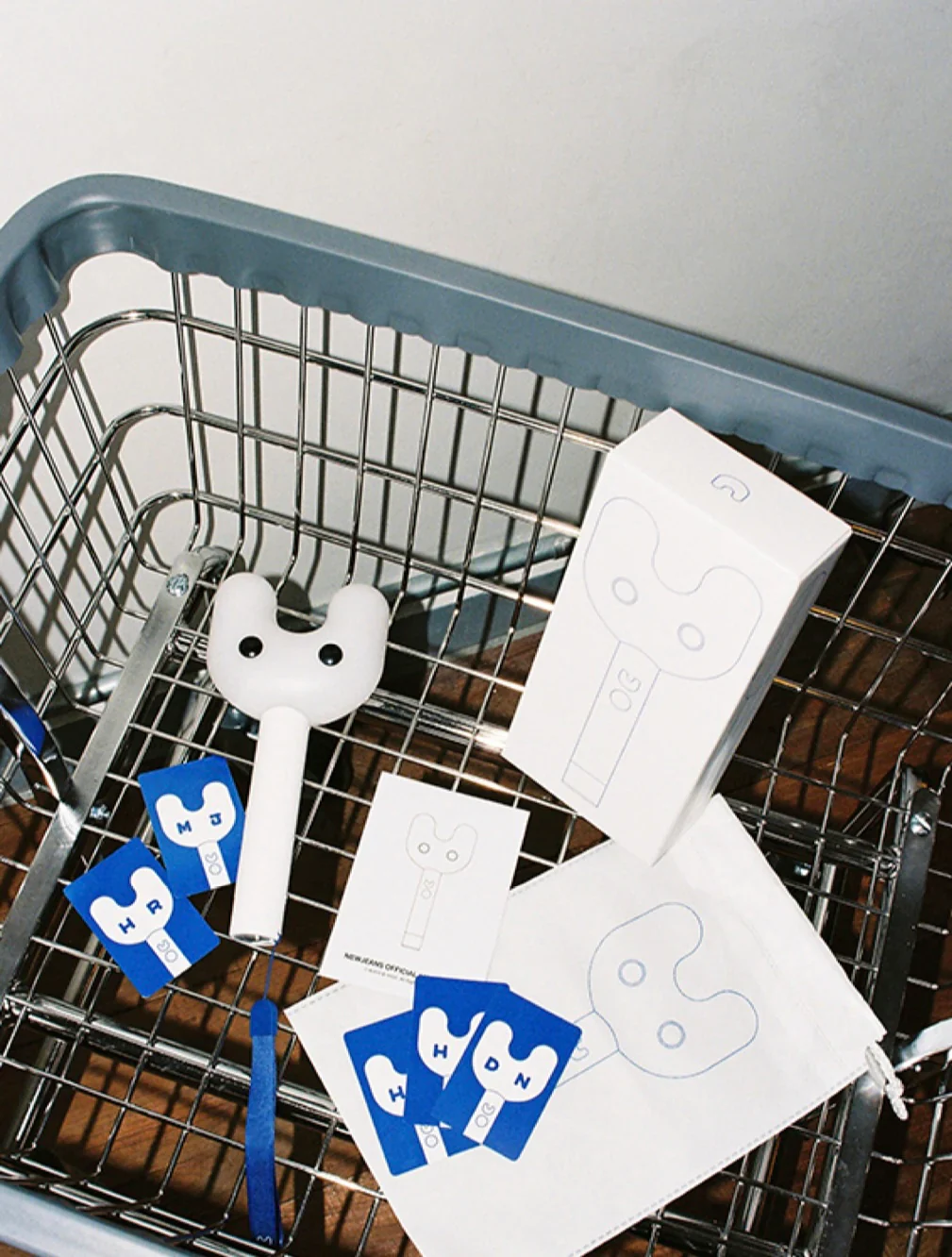
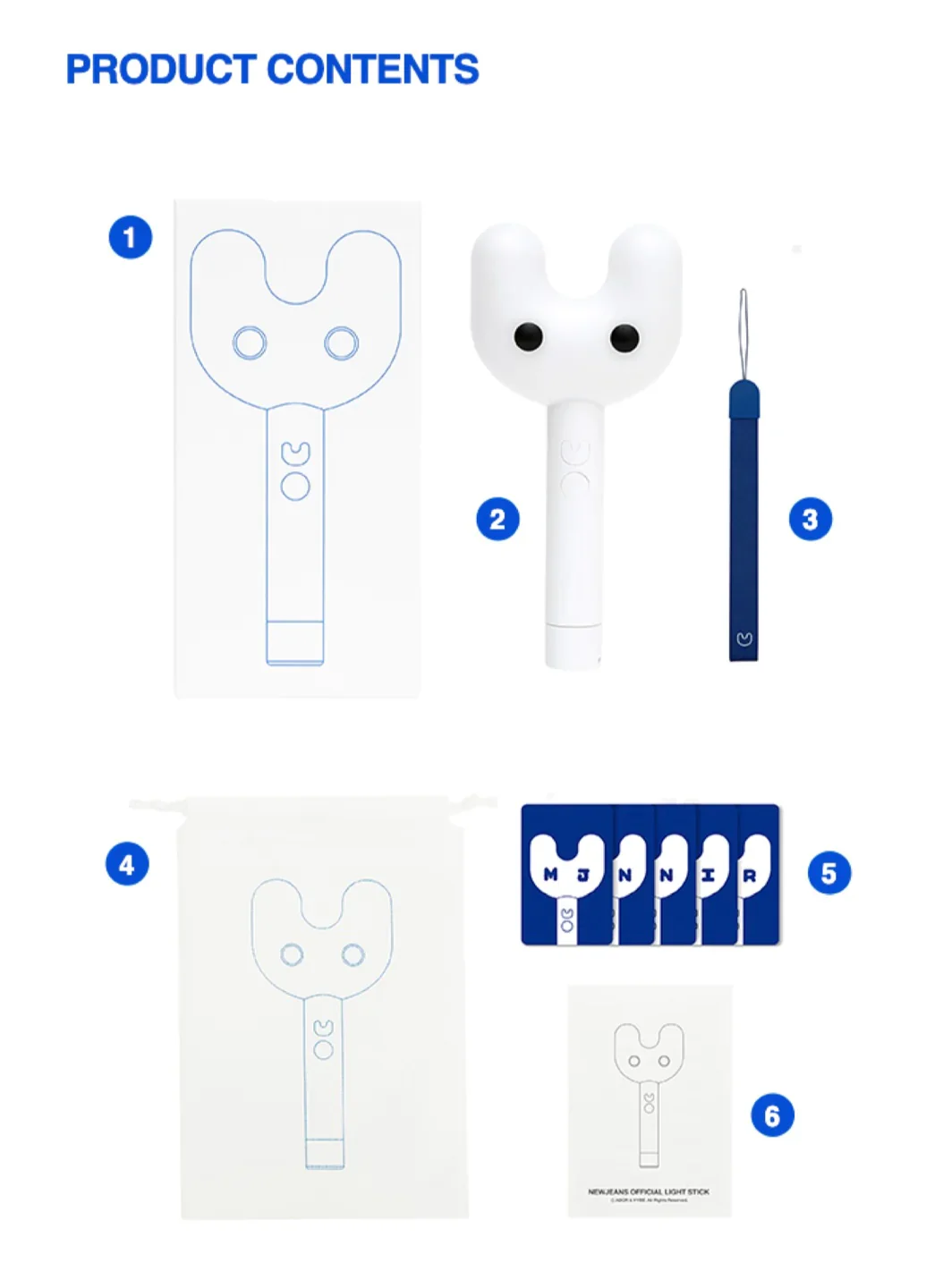
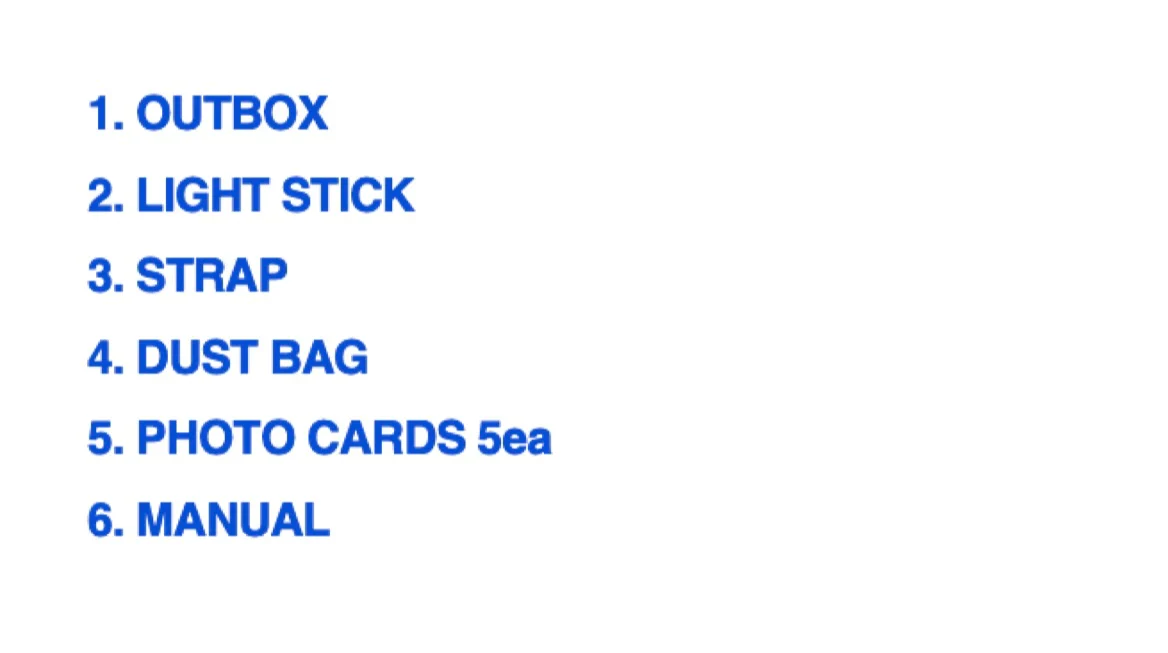
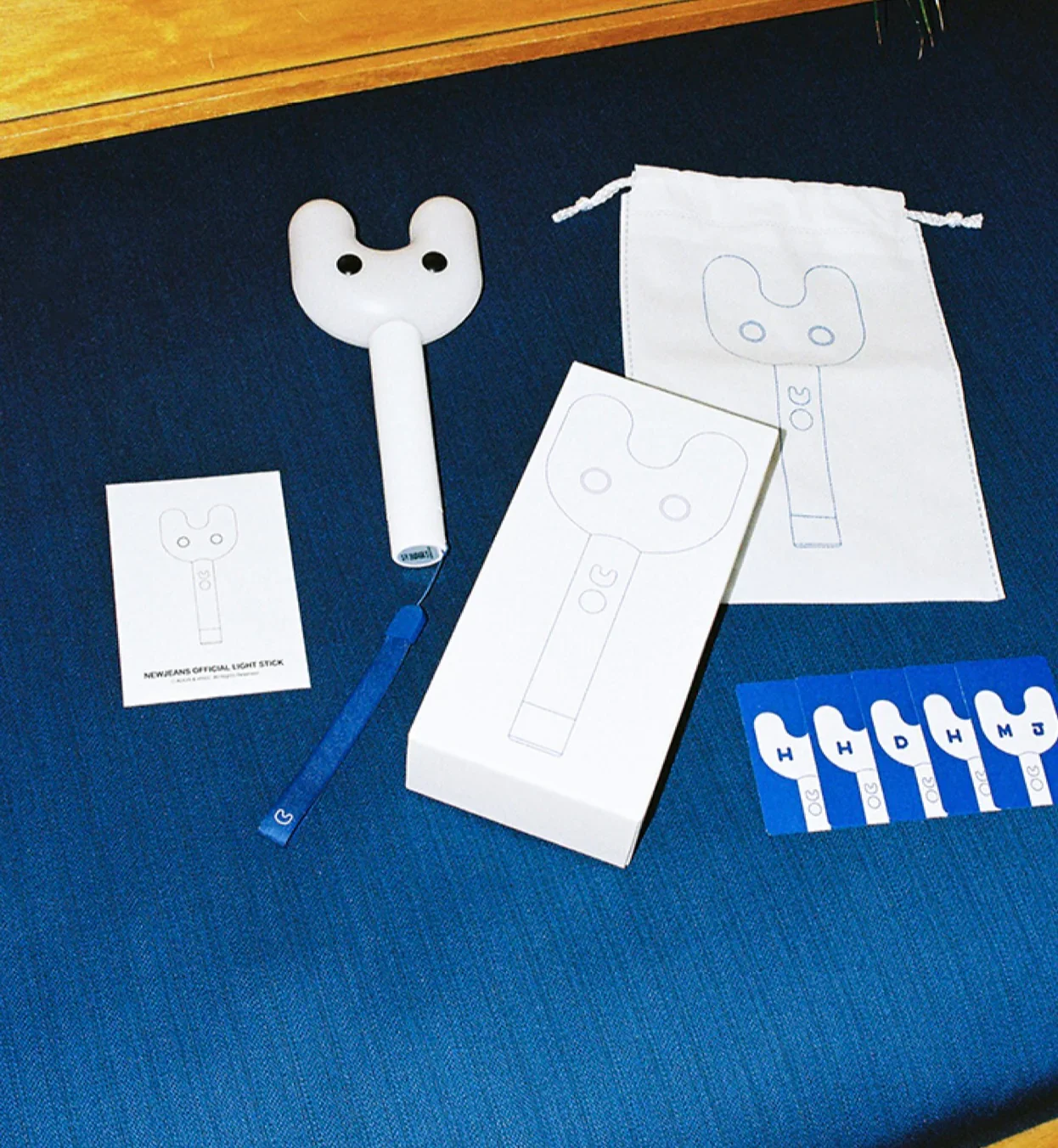
- Product Contents
- OUTBOX
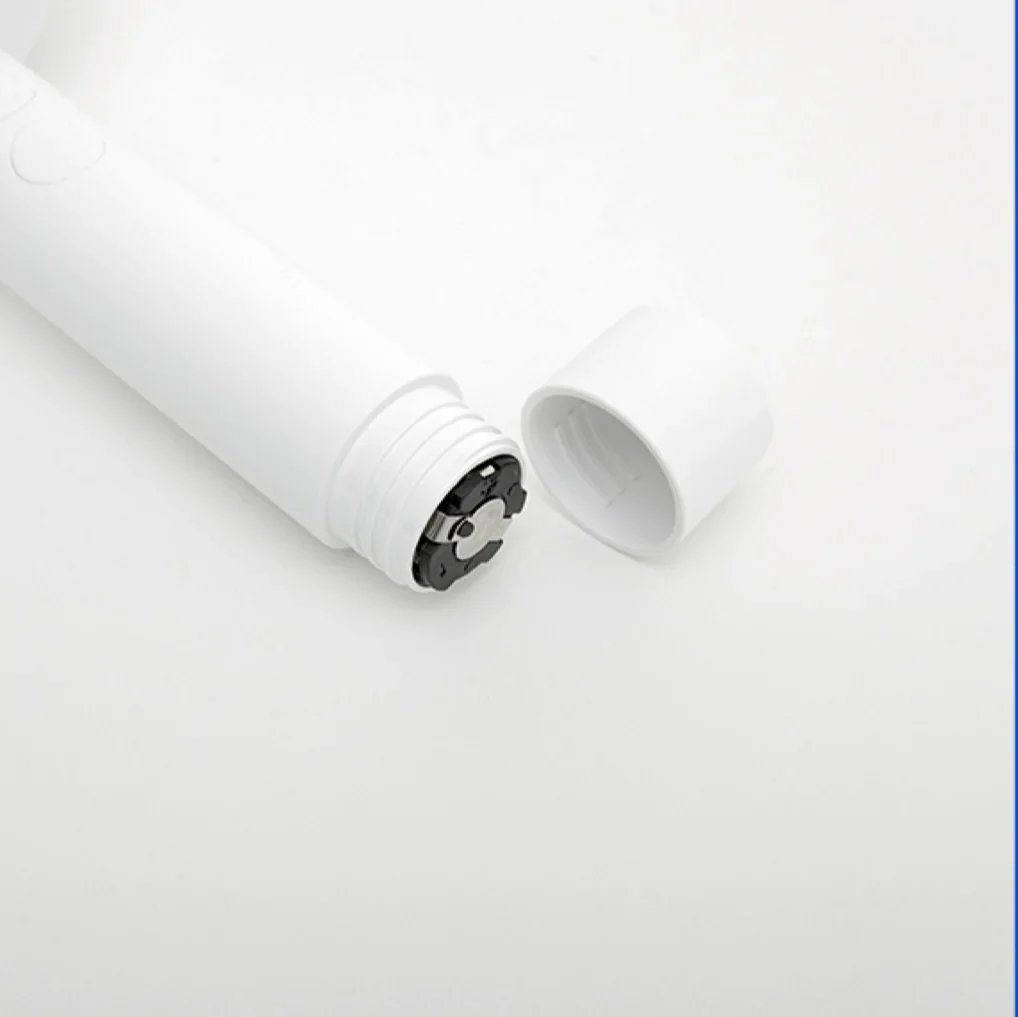
- LIGHTSTICK
- STRAP
- DUST BAG
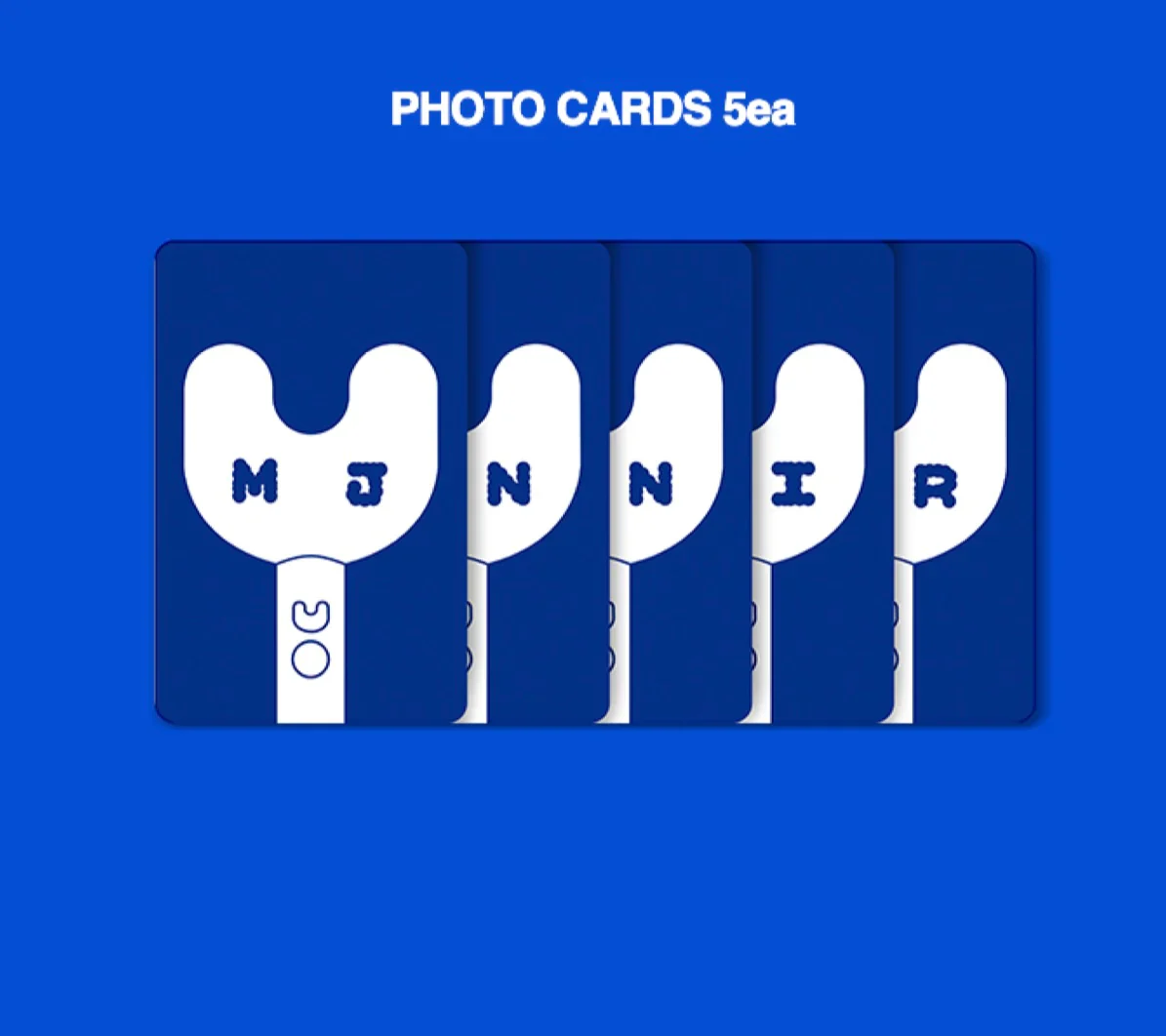
- PHOTO CARDS 5 EACH
- MANUAL
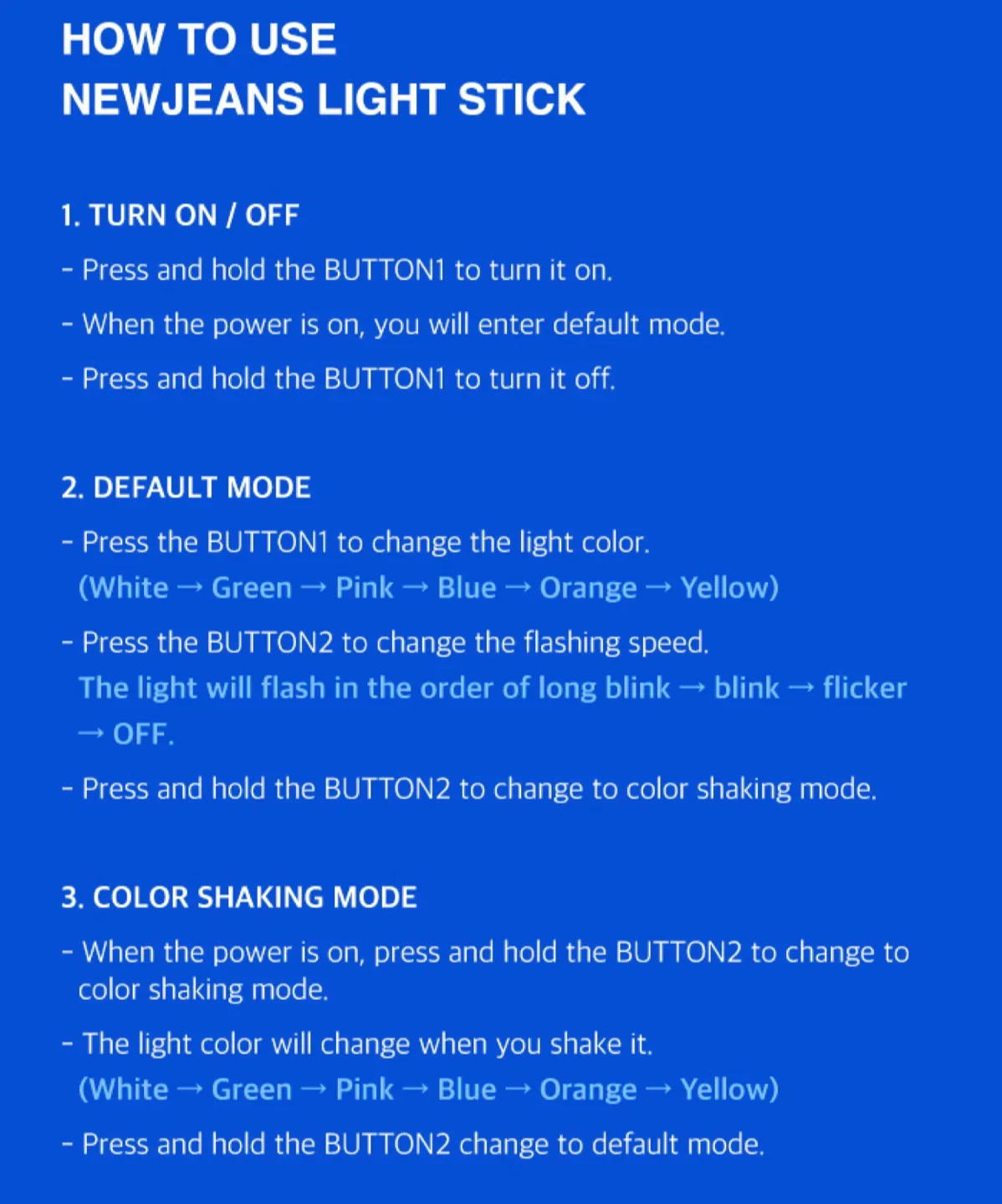
- HOW TO USE NEWJEANS LIGHT STIC
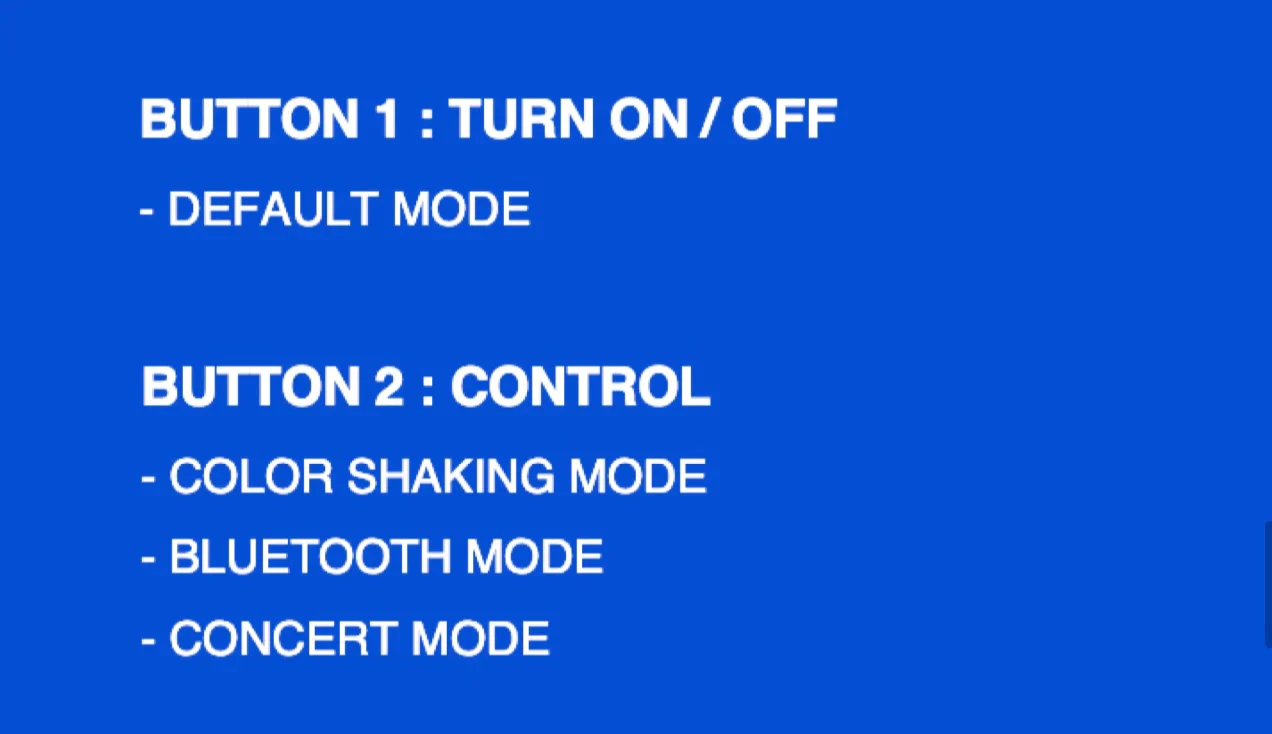
- TURN ON / OFF
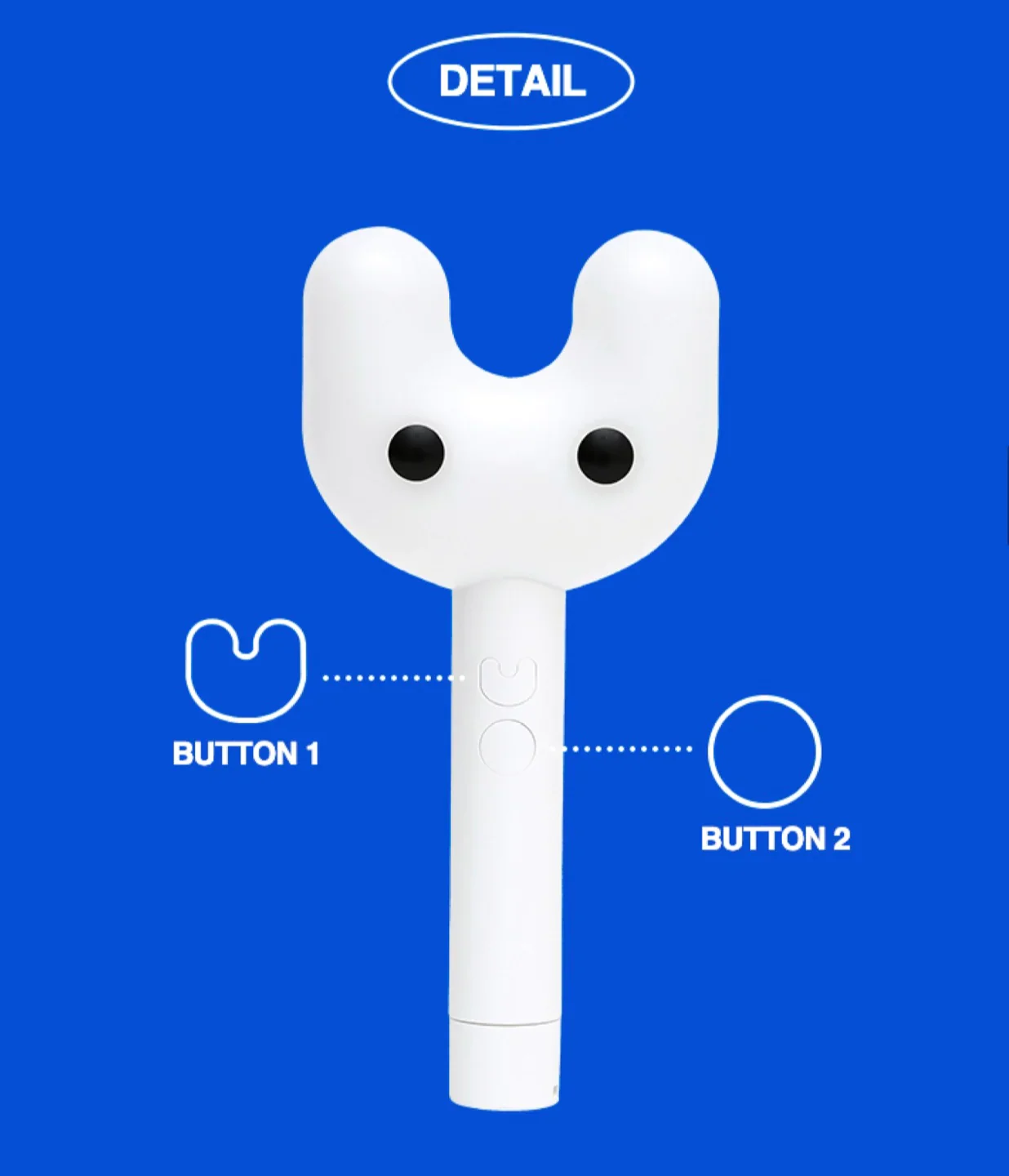
- Press and hold the Button1 to turn it on.
- When the power is on, you will enter default mode.
- Press and hold the button1 to turn it off.
- DEFAULT MODE
- Press the BUTTON1 to change the light color.
- (WHITE->GREEN->PINK->BLUE->ORANGE->YELLOW)
- Press and hold the BUTTON2 to change to color shaking mode.
- COLOR SHAKING MODE
- When the power is on, press and hold the BUTTON2 to change to color shaking mode.
- The light color will change when you shake it.
- Press and hold the BUTTON2 change to default mode.
- BLUETOOTH MODE
- Turn on the bluetooth mode on your smartphone. Then press and hold both buttons of the light stick.
- The light will flicker in blue as it tries to pair with your smartphone via Bluetooth.
- Once they are paired, the light stick's color will change to the color set by the app.
- Press and hold both buttons to change to default mode.
- CONCERT MODE
- Enter Your seat number via the OFFICIAL LIGHT STICK app or visit the pairing booth at the venue to use the concert mode during the concert.
- Some concerts do not have a pairing process. Please refer to the guidelines for each concert.
$18.07
Original: $51.62
-65%NewJeans Official Light Stick—
$51.62
$18.07


Description
NewJeans Official Light Stick
- Product Contents
- OUTBOX
- LIGHTSTICK
- STRAP
- DUST BAG
- PHOTO CARDS 5 EACH
- MANUAL
- HOW TO USE NEWJEANS LIGHT STIC
- TURN ON / OFF
- Press and hold the Button1 to turn it on.
- When the power is on, you will enter default mode.
- Press and hold the button1 to turn it off.
- DEFAULT MODE
- Press the BUTTON1 to change the light color.
- (WHITE->GREEN->PINK->BLUE->ORANGE->YELLOW)
- Press and hold the BUTTON2 to change to color shaking mode.
- COLOR SHAKING MODE
- When the power is on, press and hold the BUTTON2 to change to color shaking mode.
- The light color will change when you shake it.
- Press and hold the BUTTON2 change to default mode.
- BLUETOOTH MODE
- Turn on the bluetooth mode on your smartphone. Then press and hold both buttons of the light stick.
- The light will flicker in blue as it tries to pair with your smartphone via Bluetooth.
- Once they are paired, the light stick's color will change to the color set by the app.
- Press and hold both buttons to change to default mode.
- CONCERT MODE
- Enter Your seat number via the OFFICIAL LIGHT STICK app or visit the pairing booth at the venue to use the concert mode during the concert.
- Some concerts do not have a pairing process. Please refer to the guidelines for each concert.